
On this page · 6 sections
This is issue 3 of the Orbi weekly email as it went to subscribers on 22 October 2026. Prices, free allowances and screens are as of that day; see Orbi Cloud for how things stand now.
Hi, I'm Lawrence, Orbi's founder. This week, you can get Orbi's delivery updates on Telegram. If you self-host, Follow mode lets you watch progress live in your terminal.
Telegram notifications
Orbi messages you on Telegram when it gets stuck, needs more information, waits for your merge approval, or merges code. On Cloud, turn it on in Settings. For the open-source edition, use v0.7.1 or later and follow the setup guide.
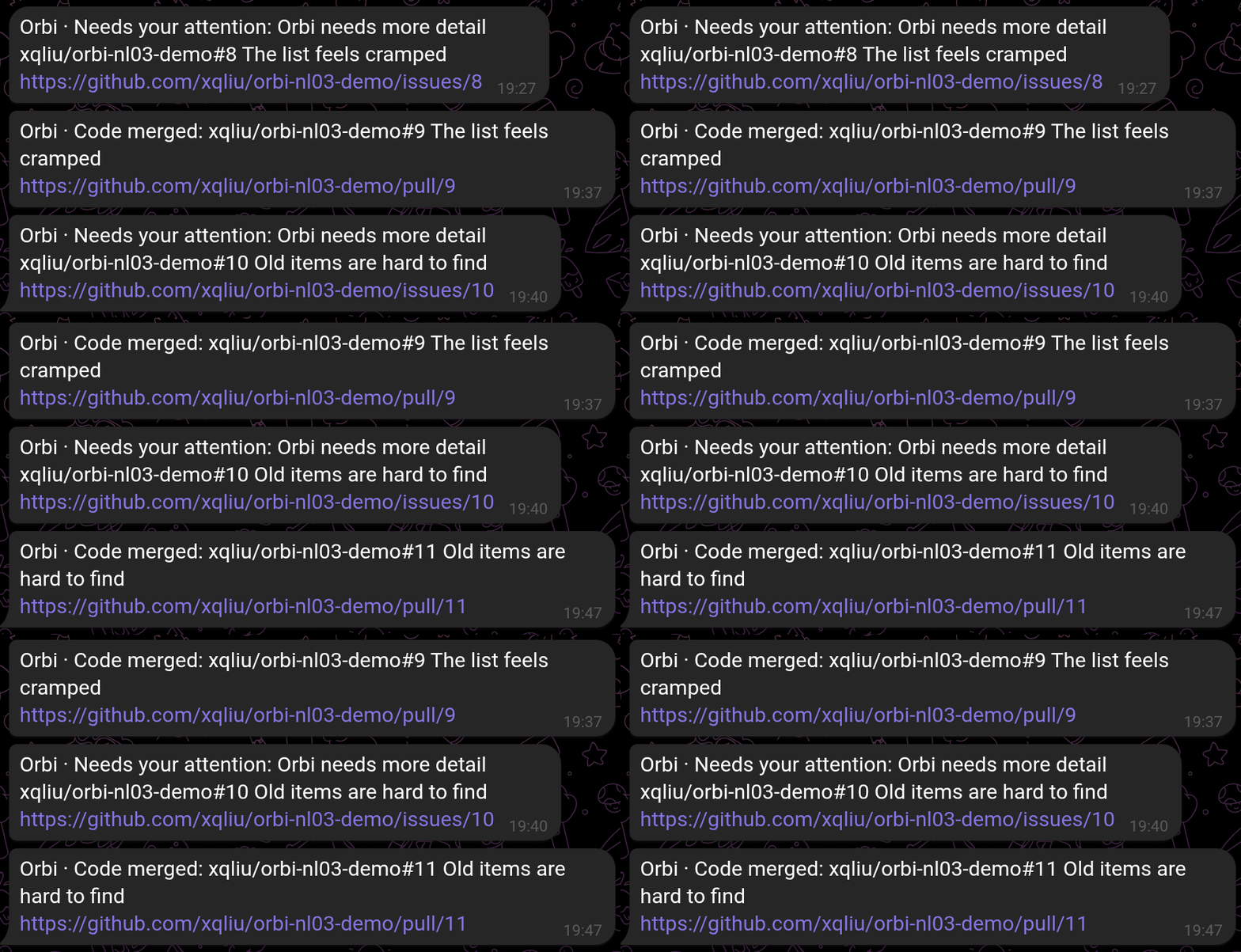
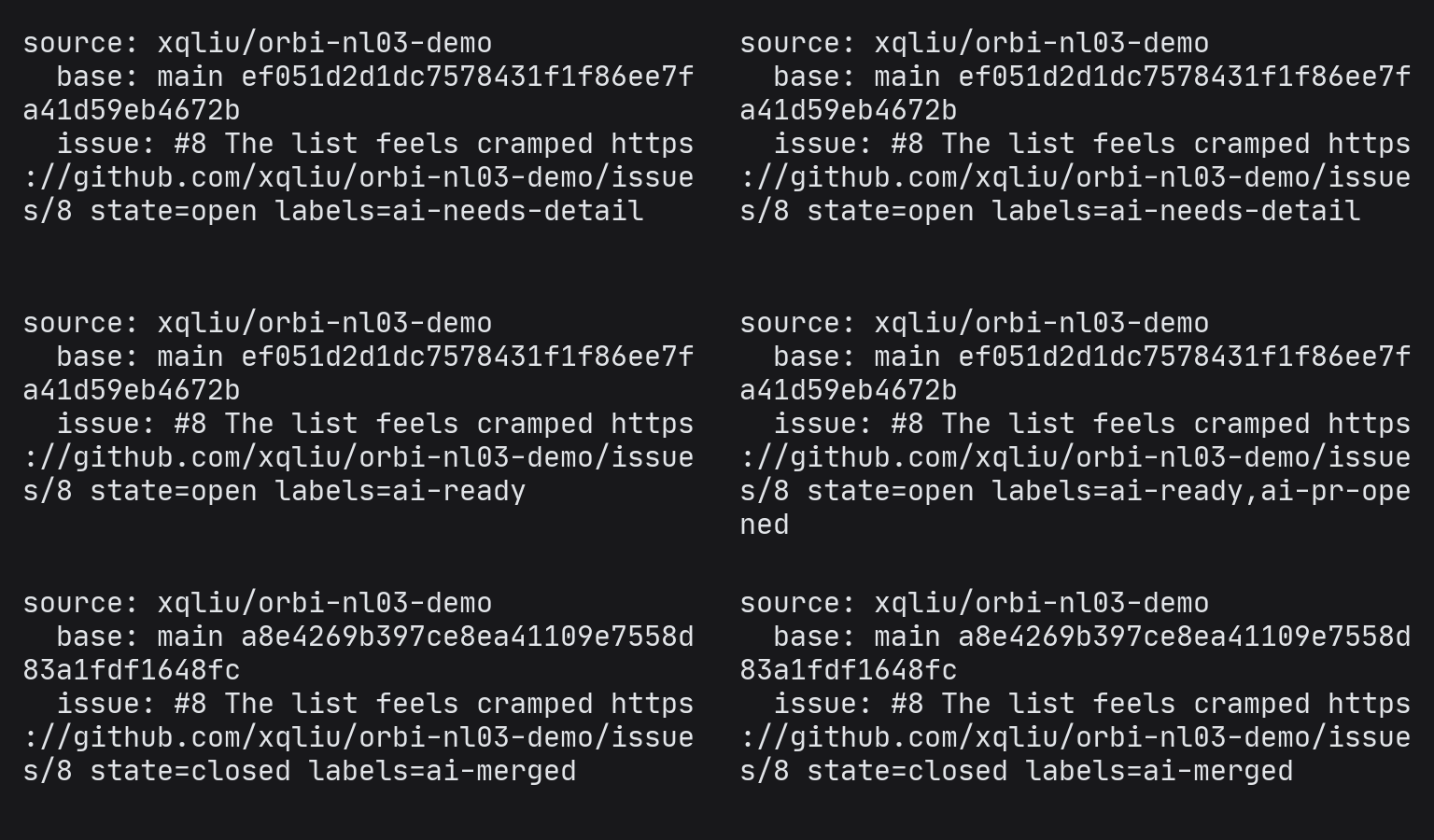
Follow progress in your terminal (self-hosted)
If you run the open-source edition, orbi status --follow shows an Issue's progress live in your terminal (v0.7.0 release notes).
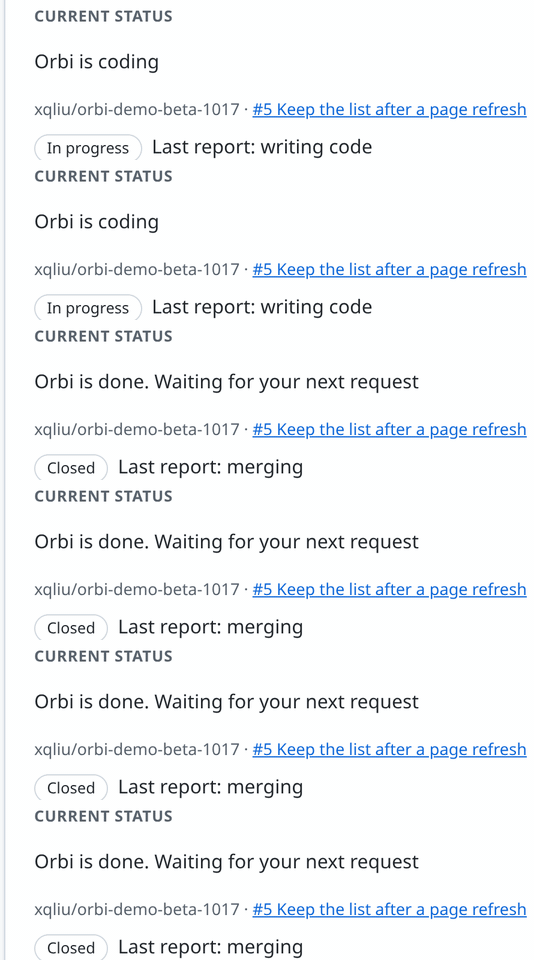
Progress updates on the same page
Each project's status page now updates on its own until Orbi is done. The page is also tidier: one main button per state, and setup progress shows checkmarks on a progress bar.
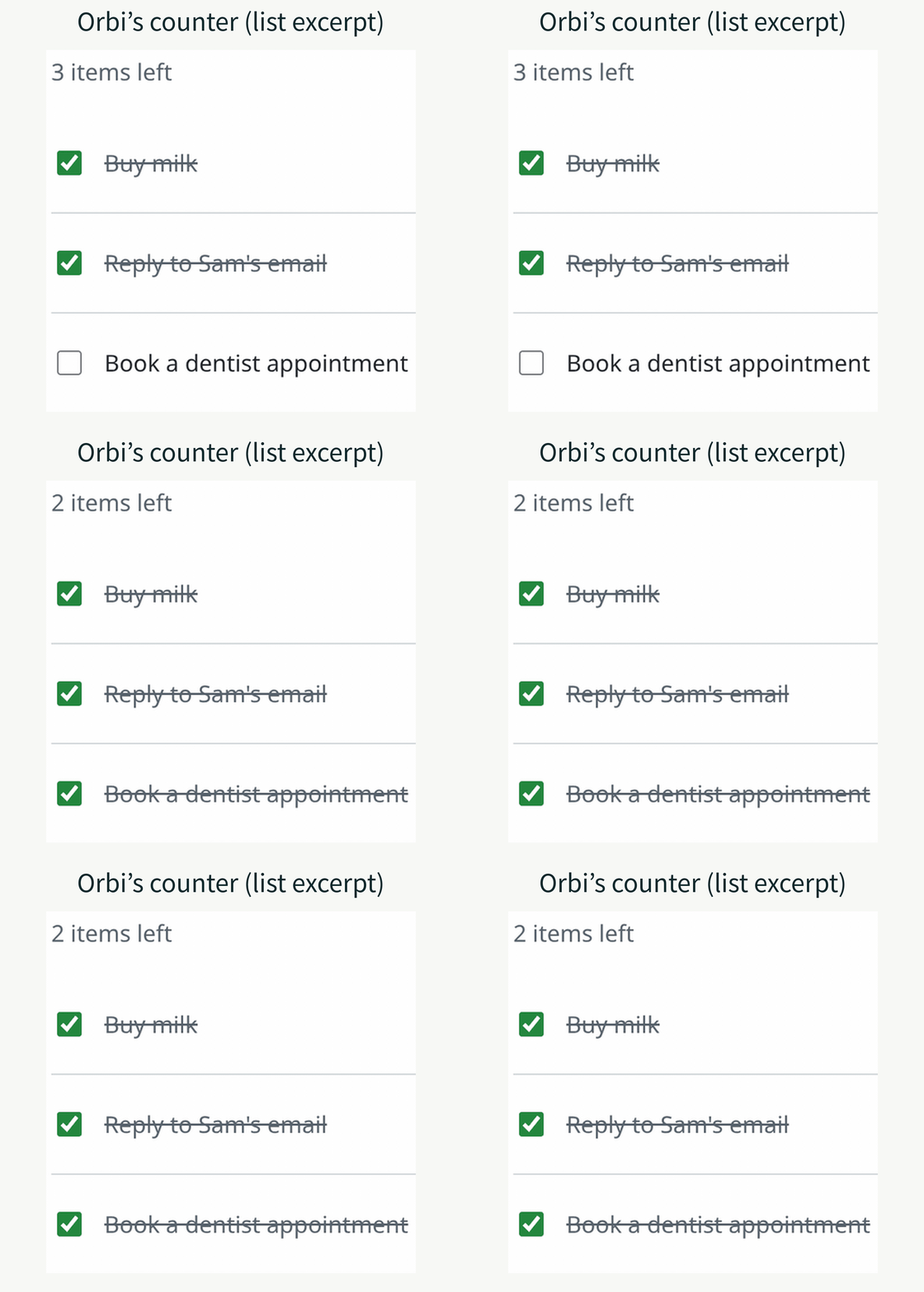
Try Orbi on a sample repository first
Create a repository in your GitHub account from the official template and ask Orbi to make a small change. Here, Orbi added an item counter to the sample app: ticking off a task changes the count from 3 to 2. Try an official sample without using your 3 free merges.
Come chat with me on Telegram
Questions or ideas? Find me in our user group. Join the Orbi Telegram group →
Lawrence
Founder of Orbi
GIFs recorded in our test environment and my own test repository, sped up.